
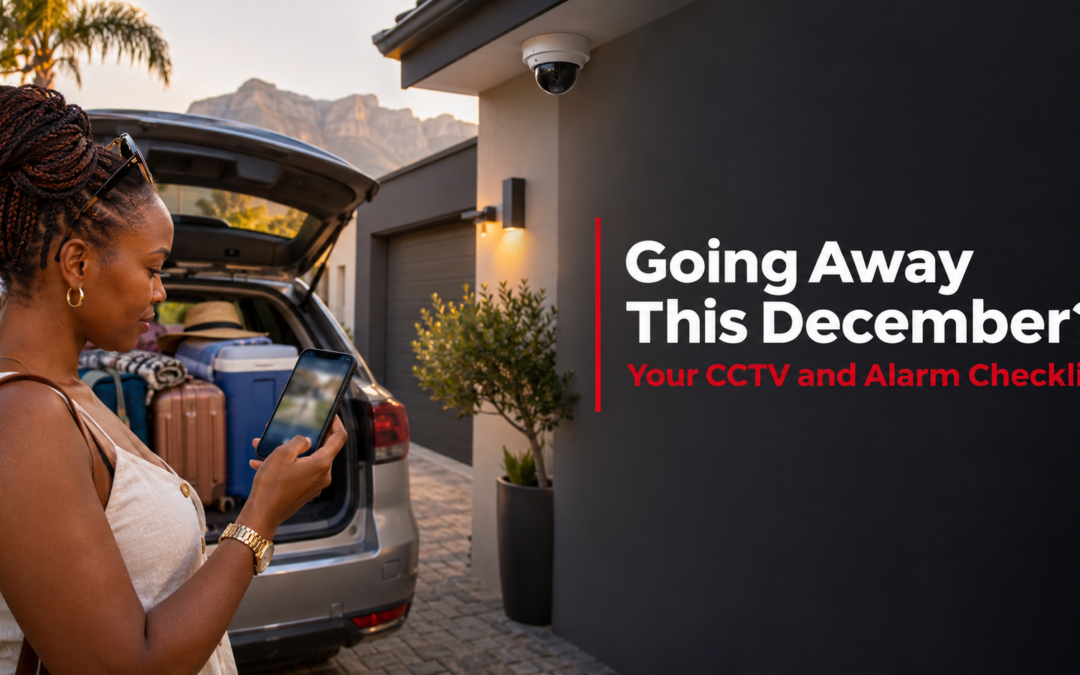
Before you leave for the holidays, make sure every camera is recording and viewable on your phone, test your alarm and its backup battery, update your monitoring and keyholder contacts, and check that beams, electric fence and gate motor are working. Do it a week or two before you go, so there is time to fix anything that fails.
The festive season is a busy time for burglars. Industry sources quoted by BusinessTech in December 2025 warned that burglaries rise by nearly 50% over the holidays, with gate motors and outdoor beams among the items targeted. A system that works when you test it in your driveway is the one that protects you while you are away.
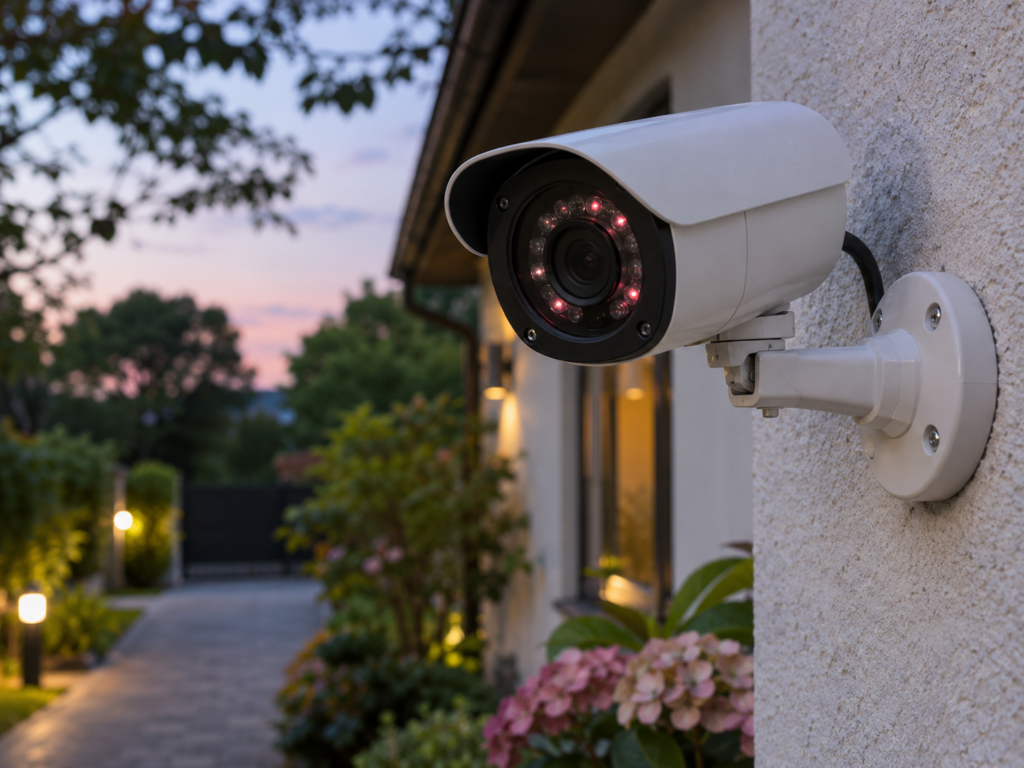
How do you check your CCTV before you go away?
Confirm that every camera records, stores enough footage and can be viewed remotely.
- Check every camera’s live view. Look for cameras that are offline, blurred, knocked out of position or blocked by plants that have grown since winter.
- Play back recorded footage. Live view working doesn’t always mean recording is working.
- Check how many days of footage your recorder keeps. If you will be away for two weeks and it only stores five days, adjust the settings or add storage.
- Test night vision. Check each camera after dark, as many break-ins happen at night.
- Test the mobile app away from home. Switch off your Wi-Fi and view the cameras on mobile data to be sure remote access works.
- Change default passwords. If your system still uses the installer’s or manufacturer’s default password, change it.
Also think about power. If your recorder, router and cameras switch off during a power cut, you lose both recording and remote view. A small UPS or battery backup on the recorder and router keeps the system running.
How do you test your alarm system?
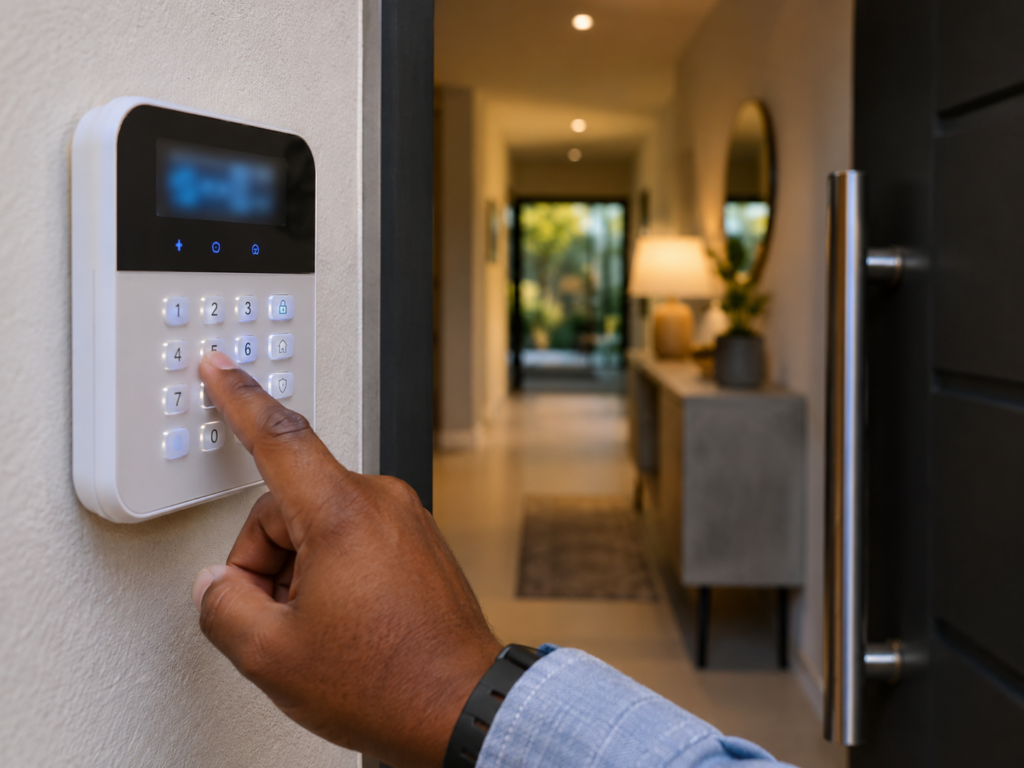
Let your monitoring company know before you test, then check each part of the system.
- Test each zone: walk past every indoor detector and check it registers on the keypad or app.
- Test outdoor beams: make sure they are aligned and not blocked by plants or garden furniture.
- Check the backup battery: an alarm battery that can’t hold a charge may fail during a power cut, which is exactly when you need it.
- Test the siren and panic buttons, including any panic buttons on remotes or in the app.
- Update your contact details: confirm the monitoring centre has the right phone numbers and a keyholder who is staying in Cape Town.
If you aren’t sure how to put your system in test mode, ask your installer. Nano Secure installs and services Paradox and Hikvision alarm systems and supports most other alarm brands.
Is your perimeter ready?
Your perimeter is the first thing an intruder tests, so check it as carefully as the alarm.
- Electric fence: walk the fence line, trim plants away from the wires and check the energiser shows no faults.
- Gate motor: test the battery by switching off mains power and opening the gate a few times. Consider an anti-theft cage if the motor is exposed.
- Lighting: set outdoor lights on timers or sensors so the property isn’t in darkness all night.
- Locks and gates: check padlocks, security gates and burglar bars for rust or damage.
How can you make the house look lived in?
An obviously empty house is an easier target. Simple habits make a difference:
- Use timers on indoor lights and a radio or TV.
- Ask a neighbour to collect post and put your bins out on collection day.
- Arrange for someone to cut the grass if you are away for more than a couple of weeks.
- Wait until you are home to share holiday photos on social media.
- Consider a trusted house-sitter, especially if you have pets.
When should you book a security service?
Book early in December, before installers get busy and before you start packing. A service visit typically tests batteries, sirens, detectors, cameras and gate motors, and catches small faults before they become big gaps in your security. Nano Secure offers once-off services and monthly maintenance contracts for homes across Cape Town’s northern suburbs.
Frequently asked questions
How long does CCTV footage stay on the recorder?
It depends on the size of the hard drive, the number of cameras and the recording settings. Check how many days your system stores before you leave and adjust the settings or add storage if needed.
Can I watch my CCTV on my phone while I’m on holiday?
Yes, most modern systems, including Hikvision and Dahua, have apps for remote viewing. The recorder and router need internet access and power, so consider battery backup for power cuts.
How do I test my alarm without triggering a response?
Contact your monitoring company first and ask them to put your account in test mode. Then test each zone, the siren and panic buttons, and confirm the signals were received.
Should I tell my security company that I’m going away?
Yes. Update your contact numbers, give them a local keyholder who can respond if the alarm is triggered, and let them know when you will be back.
Book a pre-holiday security check
Nano Secure is a PSIRA-registered security installer based in Brackenfell, servicing CCTV, alarms, electric fencing and gate motors in Brackenfell, Durbanville, Bellville and across Cape Town’s northern suburbs. Request a free quote or service, call 021 300 5090 or email safe@nanosecure.co.za.